Competitor Finder
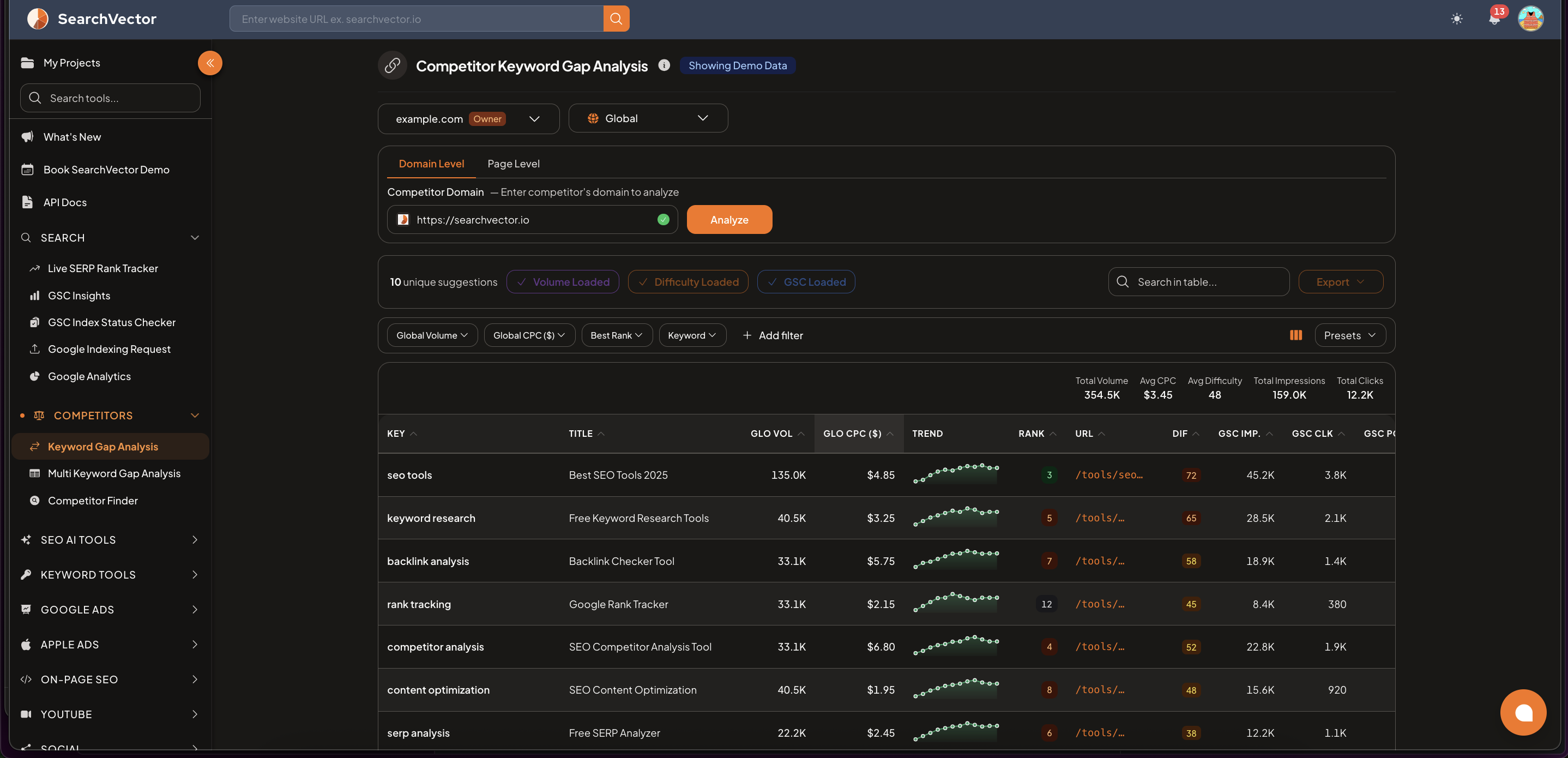
Automatically discover who your real search competitors are — based on keyword overlap, not just industry category.
How to use
- From the left sidebar, go to Competitors → Competitor Finder.
- Select your domain:
- Project — choose from your existing SearchVector projects
- Custom URL — enter any domain manually
- Select your country (e.g., United States, India).
- Click Analyze Competitors.
Results table
The results show the top competitors ranked by keyword overlap:
| Column | Description |
|---|---|
| COM DOM | Competitor domain |
| COM KEY (total) | Total number of keywords the competitor ranks for |
| COM KEY (shared) | Keywords both you and the competitor rank for |
| SHARE % | Percentage of keyword overlap between you and the competitor |
| TAR KEY | Target keywords — opportunities where the competitor ranks but you don't |
Export and search
- Click Export to download the competitor list as CSV
- Use the Search competitors field to filter results by domain name
How to use the results
- Identify your main competitors — look for domains with the highest SHARE % (most keyword overlap with you).
- Find gap opportunities — domains with a high TAR KEY count have many keywords you could target.
- Run a Keyword Gap Analysis — click on a competitor and analyze their keyword gaps in detail.
tip
Run Competitor Finder when starting a new project — it often surfaces competitors you weren't aware of, especially newer or niche sites that share your keyword space.
tip
Use the country selector to discover region-specific competitors — your competitors in the US may be different from those in India or the UK.