API Token
Use your SearchVector API token to authenticate requests from external tools, Chrome extensions, and Google Sheets — and explore available add-ons to supercharge your workflow.
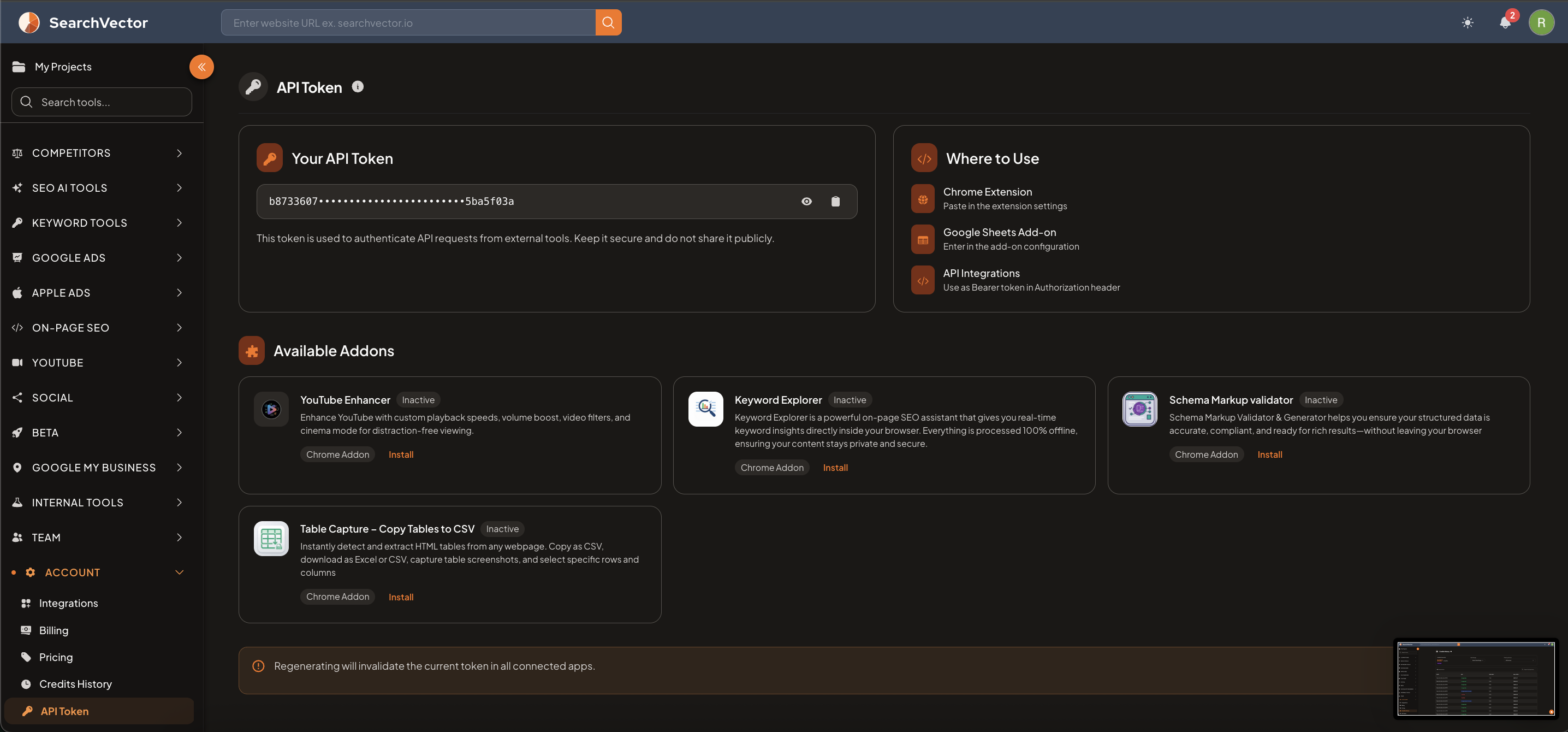
How to open
From the left sidebar, go to Account → API Token.
Your API token
Your API token is displayed in a masked field. Use the eye icon to reveal it or the copy icon to copy it to clipboard.
warning
Keep your API token secure. Do not share it publicly. Anyone with your token can authenticate as you.
Regenerating your token will invalidate the current token in all connected apps and extensions.
Where to use
| Integration | How to use |
|---|---|
| Chrome Extension | Paste the token in the SearchVector Chrome extension settings |
| Google Sheets Add-on | Enter the token in the Google Sheets add-on configuration |
| API Integrations | Use as a Bearer token in the Authorization header of API requests |
Available add-ons
Chrome add-ons that work with SearchVector:
| Add-on | Description |
|---|---|
| YouTube Enhancer | Enhance YouTube with custom playback speeds, volume boost, video filters, and cinema mode |
| Keyword Explorer | Real-time keyword insights directly inside your browser — 100% offline, keeps data private |
| Schema Markup Validator | Validates your structured data and helps generate schema markup for rich results |
| Table Capture – Copy Tables to CSV | Instantly detect and extract HTML tables from any webpage — export as CSV or Excel |
Click Install next to any add-on to go to the Chrome Web Store and install it.