Sitemap Analyzer
Discover and analyze your website's XML sitemaps — find all sitemap files, validate URLs, and identify indexation issues.
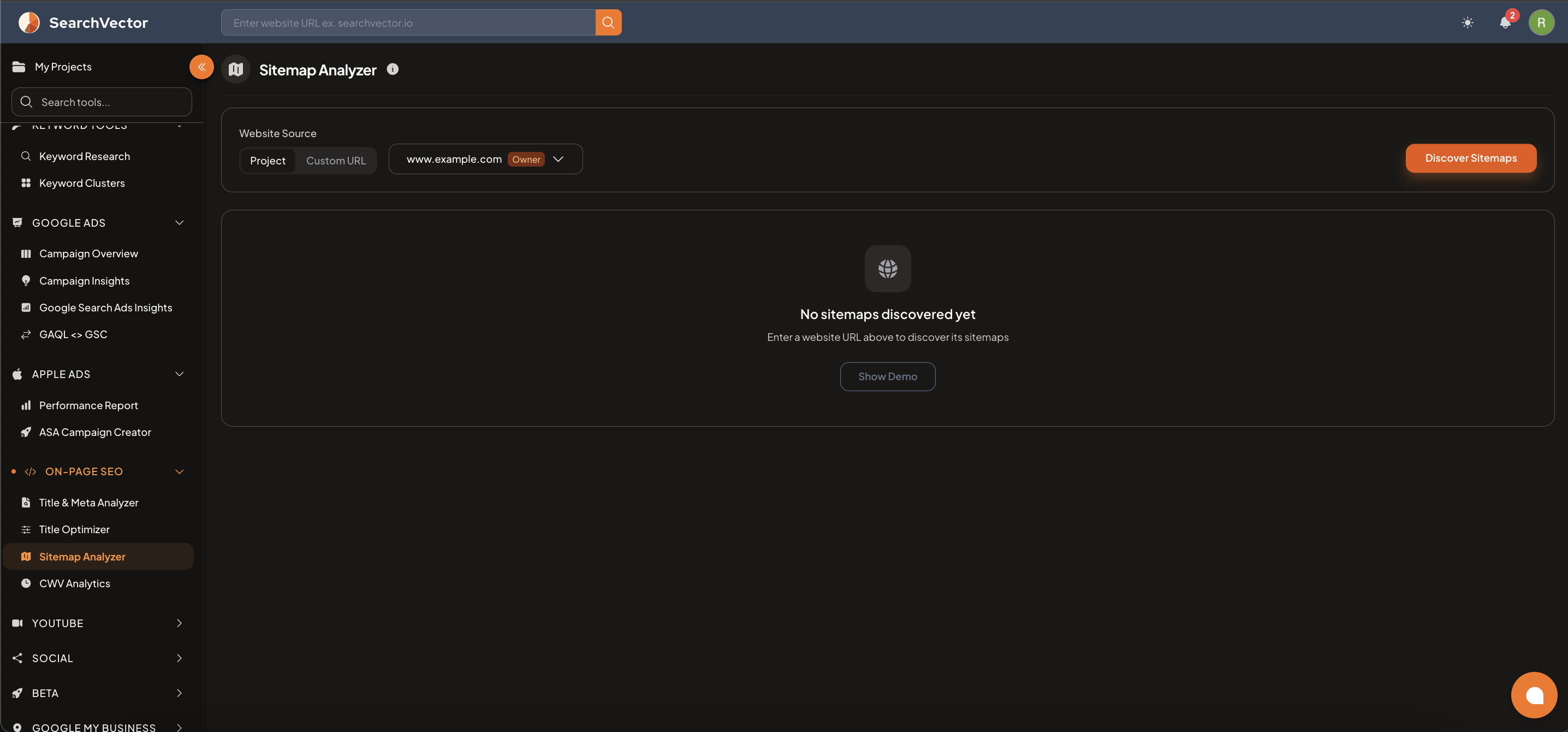
How to open
From the left sidebar, go to On-Page SEO → Sitemap Analyzer.
How to use
Step 1: Choose your source
| Tab | What it does |
|---|---|
| Project | Analyze the sitemap for your connected project domain |
| Custom URL | Enter any website URL to analyze its sitemaps |
Step 2: Discover sitemaps
Click Discover Sitemaps — SearchVector automatically finds all sitemaps on the domain by:
- Checking
robots.txtfor aSitemap:directive. - Checking common sitemap locations (
/sitemap.xml,/sitemap_index.xml). - Parsing sitemap index files to find all nested child sitemaps.
Step 3: Review results
The tool lists all discovered sitemaps and validates the URLs within them.
ヒント
Use Show Demo to preview what results look like before analyzing your own site.
What gets checked
| Check | Description |
|---|---|
| Sitemap discovery | Finds all sitemap files including nested sitemaps and compressed .xml.gz files |
| URL status | Validates HTTP status codes for every URL in the sitemap |
| Redirect URLs | Flags 3xx redirects — sitemap should point to final destination URLs |
| Broken URLs | Flags 4xx/5xx errors — pages that no longer exist |
| Noindex pages | Pages with noindex tag should not be in the sitemap |
| Duplicate URLs | Same URL appearing multiple times |