Campaign Insights
Connect your Google Ads account to get deep insights into campaign performance, budget efficiency, keyword profitability, and conversion tracking — all in SearchVector.
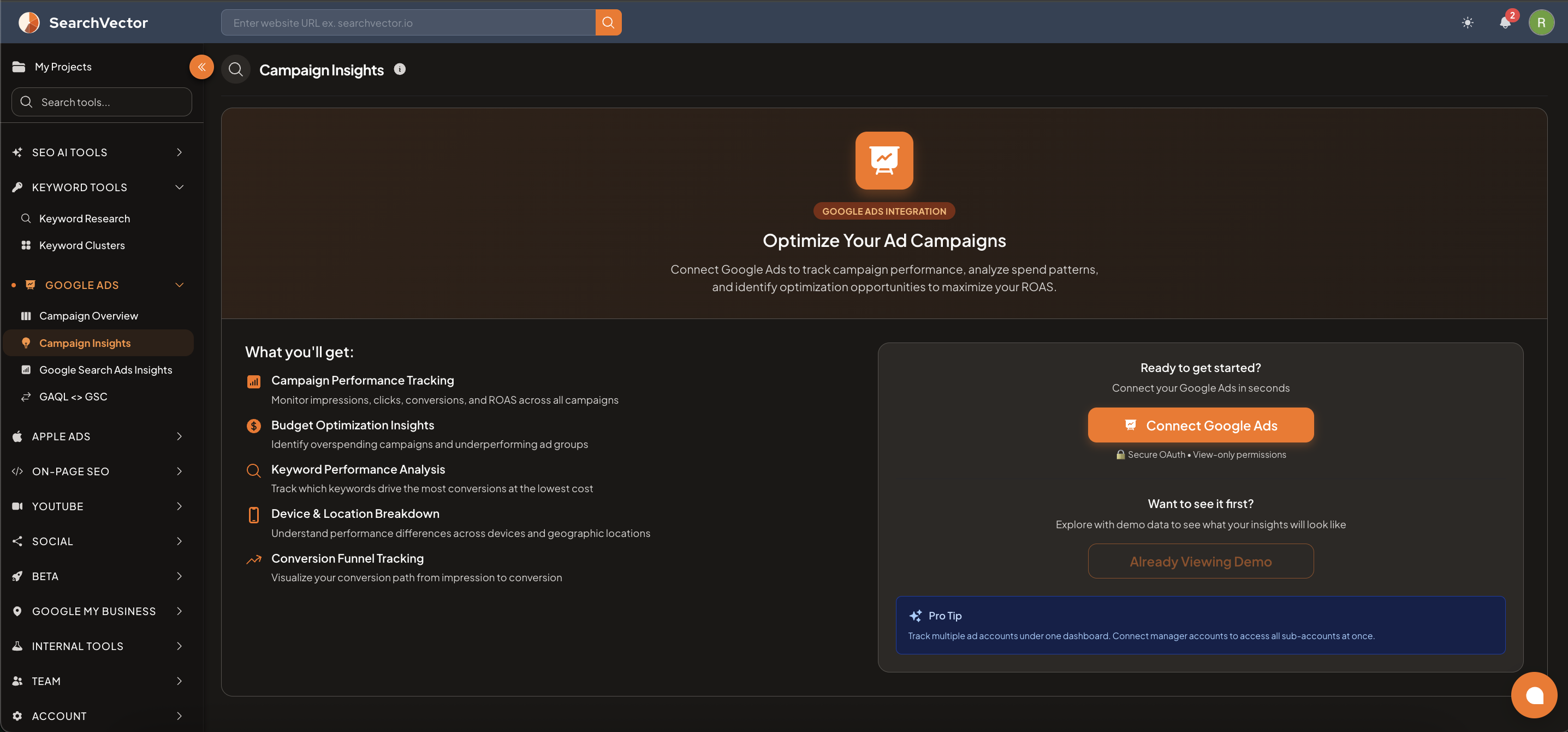
How to connect
- From the left sidebar, go to Google Ads → Campaign Insights.
- Click Connect Google Ads (orange button).
- You will be redirected to Google to authorize access.
- Grant the requested permissions — SearchVector uses view-only permissions (read-only, no changes to your ads).
- Select your Google Ads account and click Allow.
注記
SearchVector connects via Secure OAuth with view-only permissions — it can never modify, pause, or delete your campaigns.
ヒント
Pro Tip: Connect a Manager Account (MCC) to track all sub-accounts under one dashboard — no need to connect each account separately.
What you get after connecting
| Feature | Description |
|---|---|
| Campaign Performance Tracking | Monitor impressions, clicks, conversions, and ROAS across all campaigns |
| Budget Optimization Insights | Identify overspending campaigns and underperforming ad groups |
| Keyword Performance Analysis | Track which keywords drive the most conversions at the lowest cost |
| Device & Location Breakdown | Understand performance differences across devices and geographic locations |
| Conversion Funnel Tracking | Visualize your conversion path from impression to conversion |
Try with Demo data
Before connecting your account, click Already Viewing Demo to explore the tool with sample data — see exactly what your dashboard will look like after connection.