ASA Bulk Campaign Creator
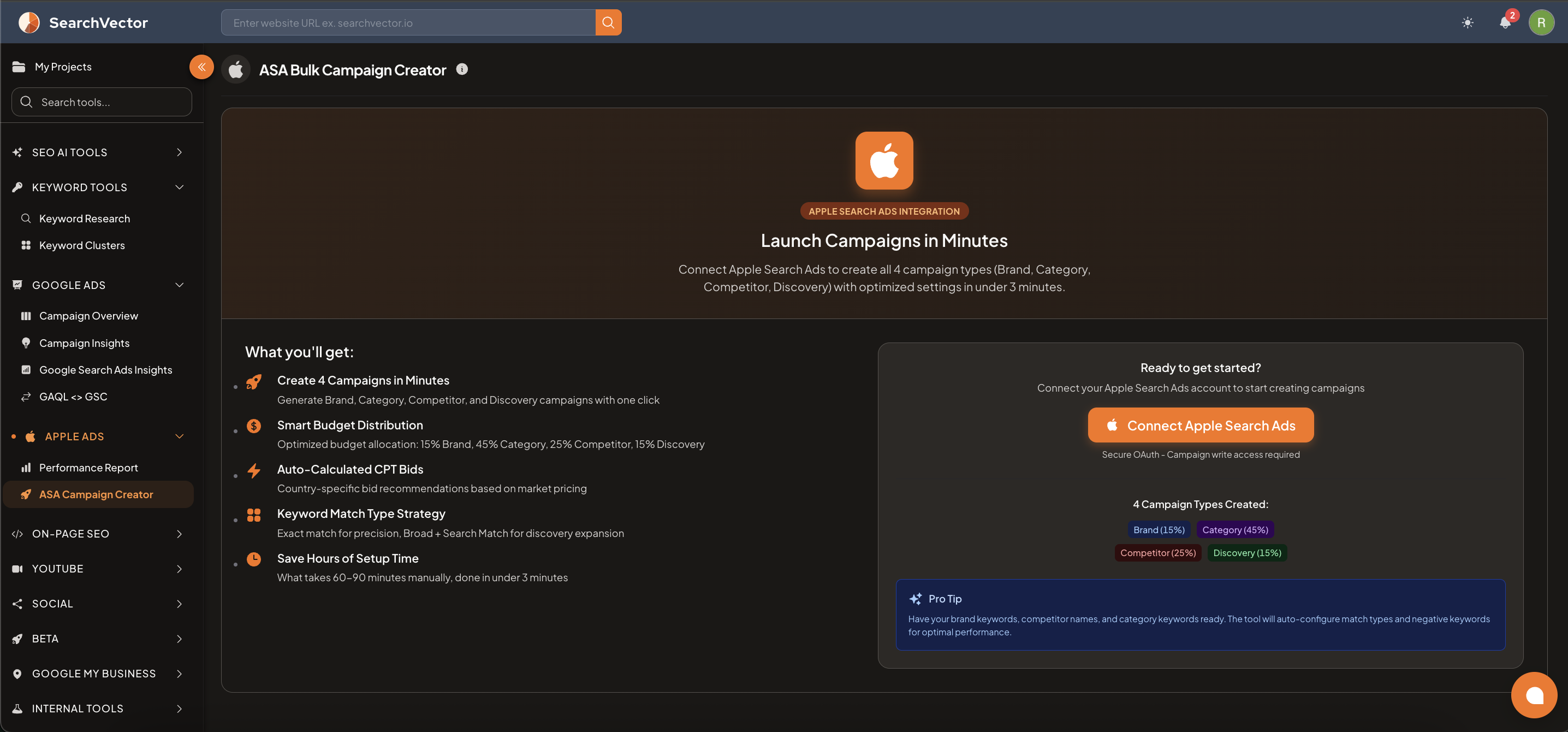
Launch all 4 Apple Search Ads campaign types — Brand, Category, Competitor, and Discovery — with optimized settings in under 3 minutes.
How to open
From the left sidebar, go to Apple Ads → ASA Campaign Creator.
How to connect
- Click Connect Apple Search Ads (requires campaign write access).
- Authorize via secure OAuth — SearchVector will redirect you to Apple for permission.
- Once connected, the campaign builder becomes available.
注記
This tool requires campaign write access to create campaigns in your Apple Search Ads account. Unlike the Performance Report, this is not read-only.
What you get
| Feature | Description |
|---|---|
| 4 Campaigns in Minutes | Generate Brand, Category, Competitor, and Discovery campaigns with one click |
| Smart Budget Distribution | Optimized budget allocation across all 4 campaign types |
| Auto-Calculated CPT Bids | Country-specific bid recommendations based on market pricing |
| Keyword Match Type Strategy | Exact match for precision; Broad + Search Match for discovery expansion |
| Save Hours of Setup Time | What takes 60–90 minutes manually is done in under 3 minutes |
Campaign types and budget split
| Campaign Type | Budget % | Purpose |
|---|---|---|
| Brand | 15% | Bid on your own brand name to protect branded traffic |
| Category | 45% | Target category-level keywords to reach users searching for apps like yours |
| Competitor | 25% | Bid on competitor app names and brand keywords |
| Discovery | 15% | Use Search Match + Broad match to find new keyword opportunities |
Before you start
ヒント
Pro Tip: Have your brand keywords, competitor names, and category keywords ready before launching. The tool will auto-configure match types and negative keywords for optimal performance.